Facebook · Part 7
Local Awareness & Groups
The 80/20 rule, the 90-day authority timeline, and the response templates that work.
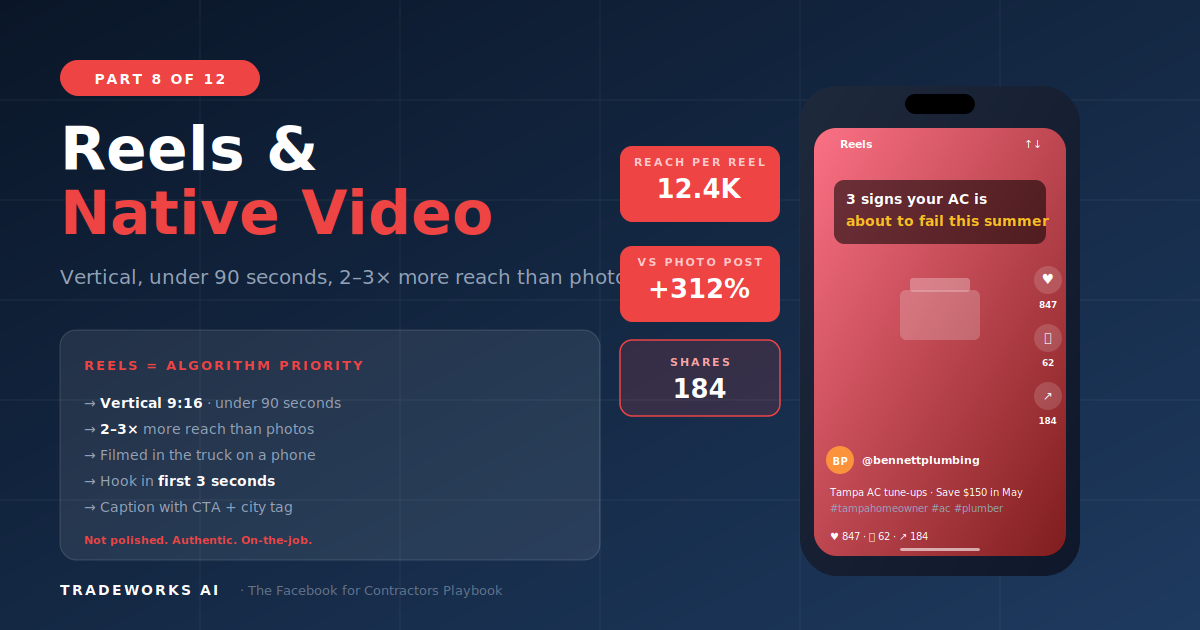
Video content on Facebook generates 2 to 3 times more organic reach and engagement than photo or text posts for contractor pages. In 2026, Facebook's algorithm aggressively promotes Reels (short-form vertical video under 90 seconds) to compete with TikTok and YouTube Shorts, creating an unprecedented opportunity for contractors who produce authentic, on-the-job video content.
The content that works is not polished studio production. It is a technician standing next to an outdoor AC unit explaining what 5 years without maintenance looks like, filmed on a phone in natural light in under 60 seconds. Authenticity outperforms polish on every metric that matters for local service businesses.
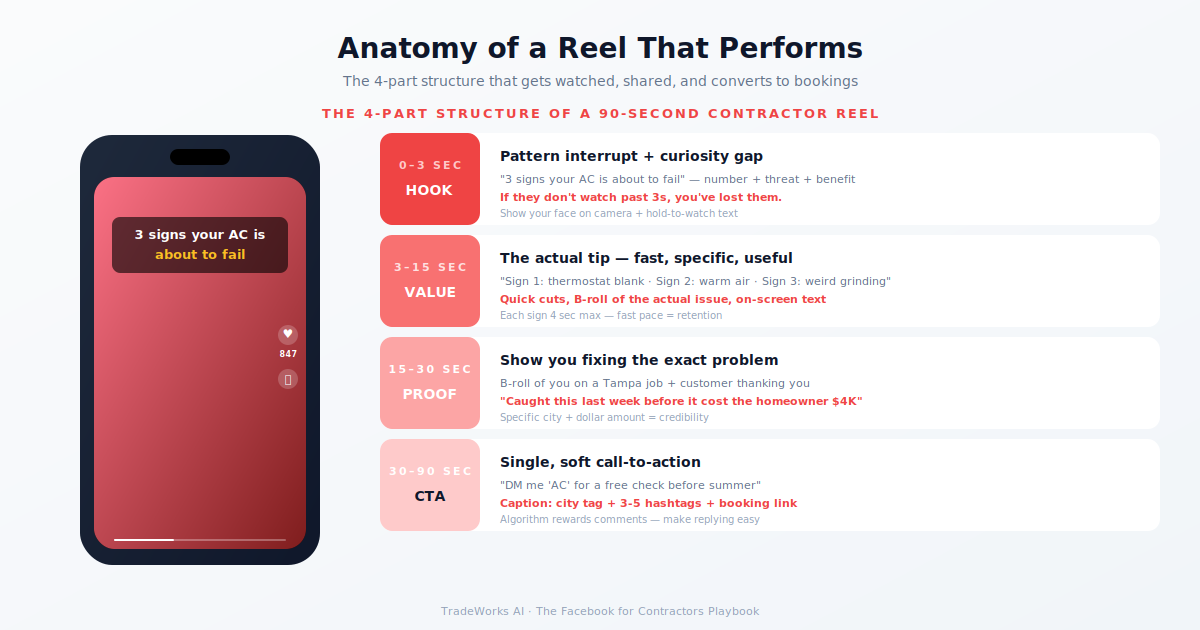
Open on a component in poor condition. Technician explains what they found. Show the problem clearly. Explain the risk. End with the fix or recommendation. Example: "This is what a capacitor looks like after 8 years. See this bulging? It is about to fail. Replacement is $180. Emergency call on the hottest day is $350+."
Before shot. Quick transition or time-lapse. After shot. Text overlay with service name. Highest save-rate videos because homeowners save them to show their spouse.
Technician on camera delivers one actionable tip. Direct, conversational. Example: "Your thermostat should be set to AUTO, not ON. ON means the fan runs 24/7 even when not heating or cooling. That costs $20–40/month and wears out the blower."
State the myth. Show why it is wrong. Deliver the truth. Contrarian content drives comments and shares because people tag friends who believe the myth.
Quick cuts: morning prep, loading the truck, on-site work, customer interaction. Humanizes the business.
Customer on camera about their experience. Filmed at their home with permission. Highest-trust content type. Real customer in real home is more persuasive than any ad.
What to do right now if [emergency]. Step-by-step. End with when to call a professional. Genuine public safety content gets shared widely.
Walk through equipment explaining each component. Relate to common customer questions.
Monthly live session where the owner answers homeowner questions in real time. Promote 48 hours in advance. Live creates urgency. Replay continues generating views.
3–5 things homeowners should do to prepare for the upcoming season. Drive traffic from the video to a seasonal booking landing page or Instant Form.
For contractors, the production quality threshold is "professional enough": clean, clear, and stable, but obviously real. A video that looks like it was filmed by a crew feels like an ad and gets skipped. A video that looks like a technician grabbed their phone between jobs feels authentic and gets watched. Aim for the middle.
Total: ~3–4 hours per month for 8–12 video pieces.
No. Any smartphone released within the past 3 years (iPhone 12 or later, Samsung Galaxy S21 or later, Google Pixel 6 or later) shoots video that exceeds the quality threshold for Facebook content. The camera in your pocket is the only camera you need.
Start with object-focused content where the camera is on the work, not on you: before/after reveals, equipment close-ups, diagnostic findings. Add voiceover narration. As comfort builds, transition to on-camera tips. Many successful contractor video creators never show their face.
Always ask verbal permission. Do not show the customer's face, address, or identifiable property features without explicit consent. Focus the camera on the equipment and work. For customer story testimonials, use a simple written release form.
Yes. A vertical Reel works identically on Facebook, Instagram, YouTube Shorts, and TikTok. Produce once, distribute everywhere. However, upload natively to each platform rather than sharing links between platforms. Each platform suppresses content linking to competitors.
Yes, for community building and trust. Facebook still notifies followers when you go Live, which drives immediate viewership. A monthly 20-minute Live Q&A builds deeper relationships than any other content format. Not a reach play like Reels, but a trust play that complements your Reels strategy.
Most Reels see their initial reach burst over 48-72 hours, then a long tail for 1-4 weeks. After ~30 days, the algorithm has effectively concluded distribution unless engagement spikes. Plan to refresh your top-performing Reels by re-cutting them with a new hook every 60-90 days.
Video earns 2-3x more reach than photos on Facebook in 2026, but most contractor pages are still posting only photos. Our free audit scores your current video usage and identifies the highest-leverage Reel formats for your trade.
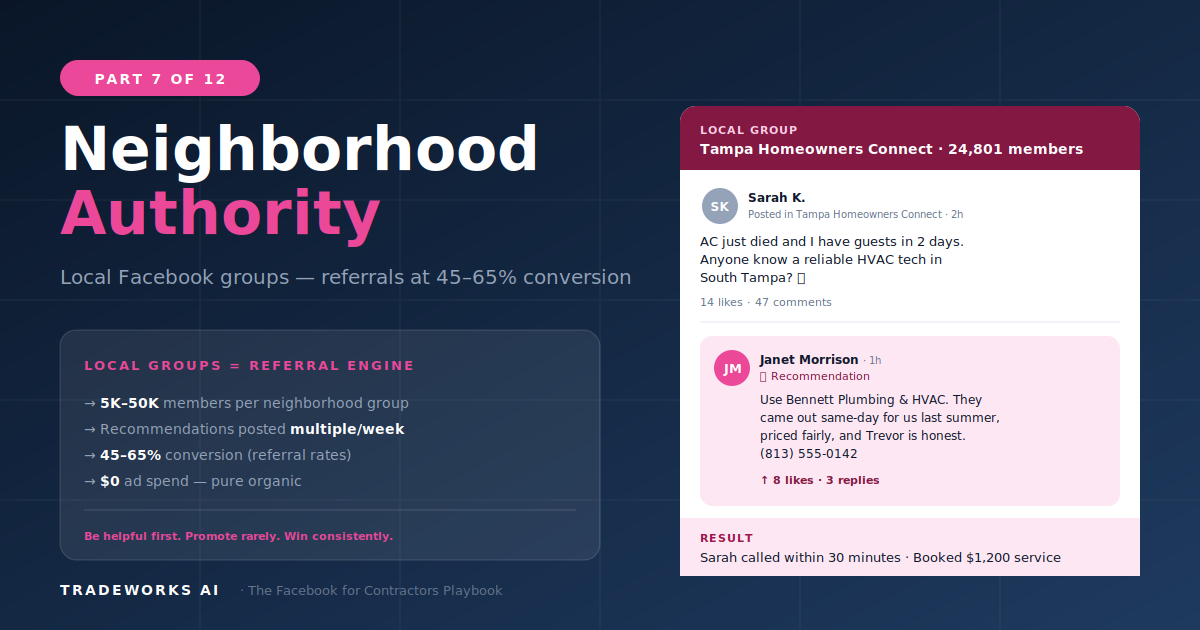
The 80/20 rule, the 90-day authority timeline, and the response templates that work.
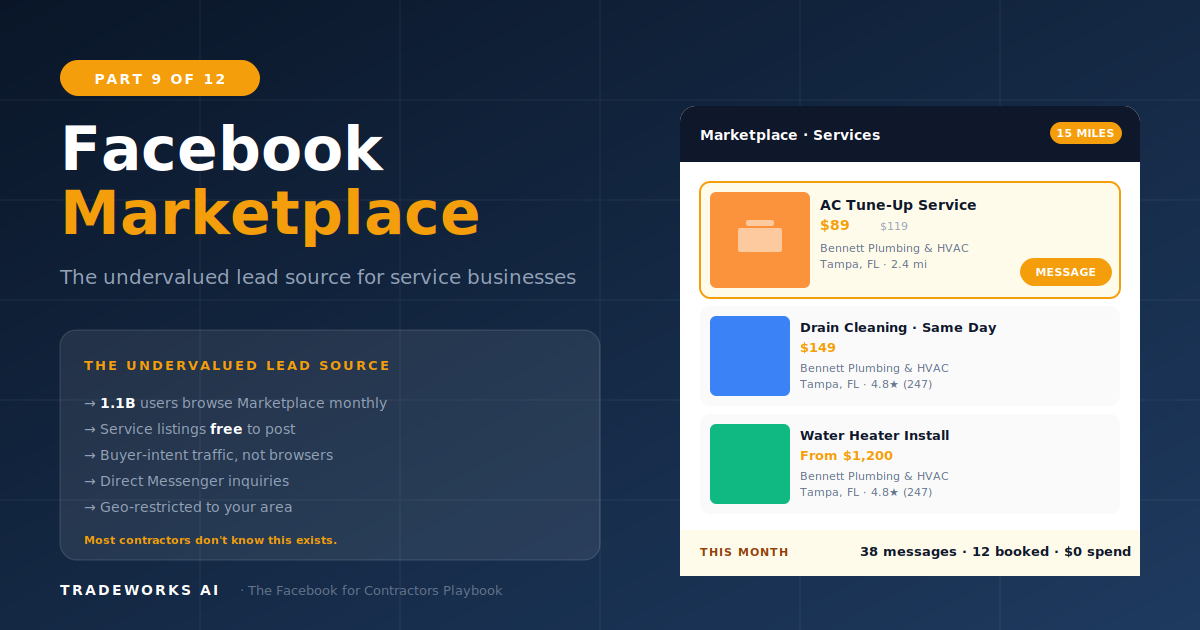
The hidden lead channel: list services, generate free leads, beat competitors who ignore it.