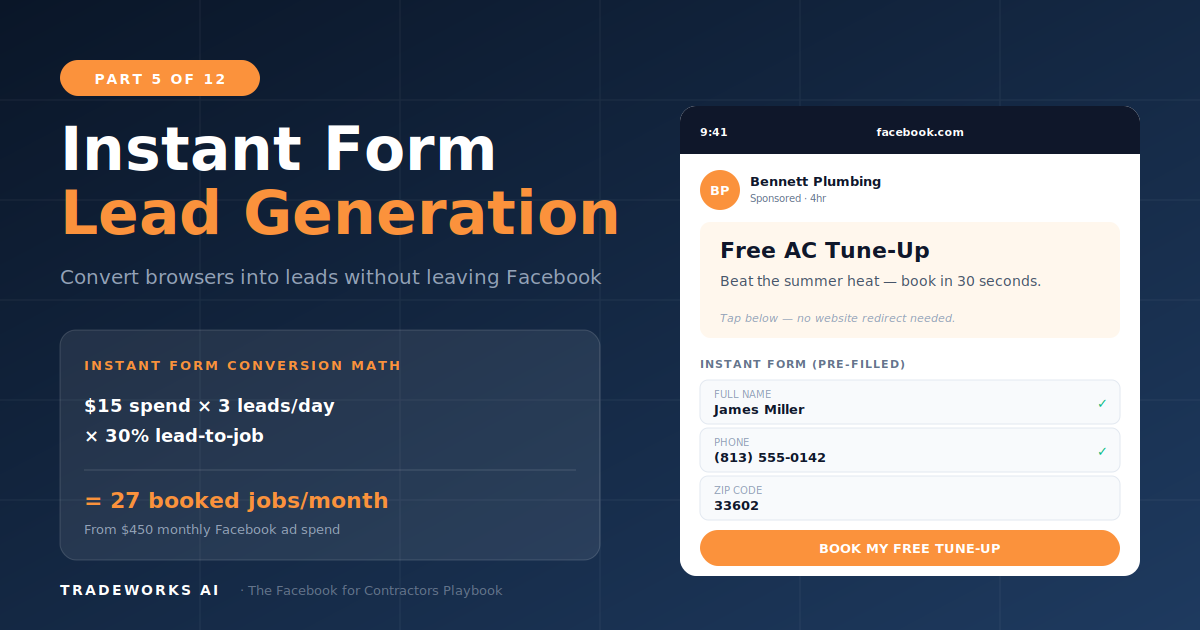
Facebook · Part 5
Lead Generation Campaigns
Instant Forms, offer frameworks, and the 5 offers that produce the cheapest leads.
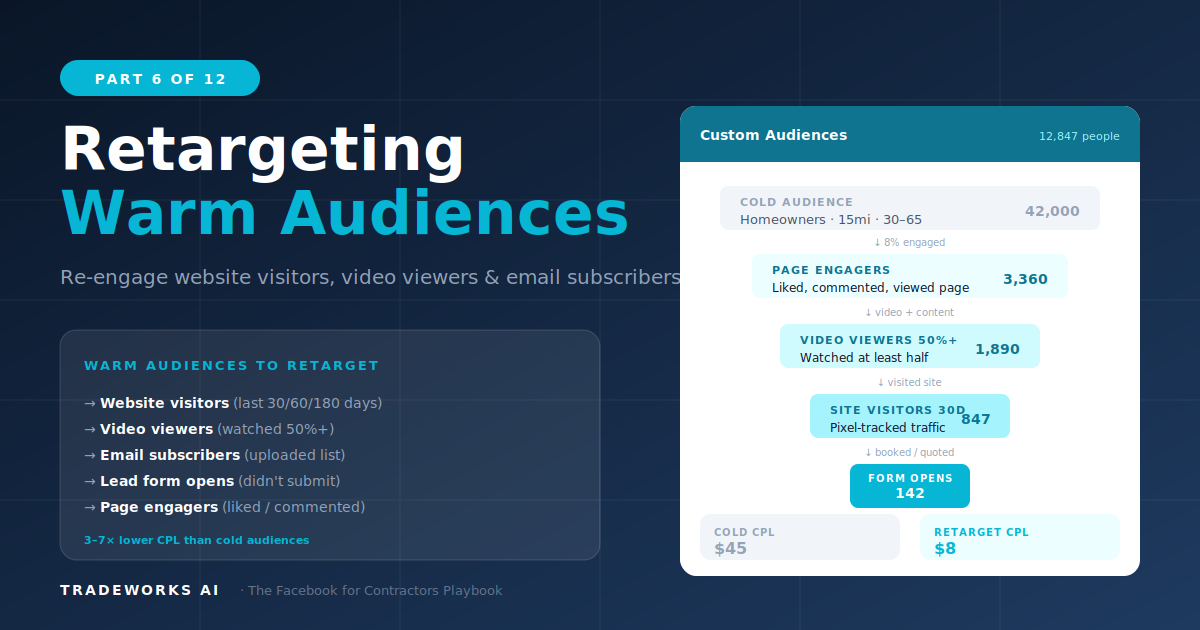
Retargeting is the highest-ROI advertising a contractor can run. It produces leads at $8 to $30 per submission, 50–70% cheaper than cold lead generation campaigns, because the audience already knows who you are. They visited your website. They watched your video. They opened your Instant Form but did not submit. They are on your email list but have not booked. Retargeting does not introduce your business. It reminds interested people to take the next step.
For contractors running 80–200 jobs per month, retargeting recovers 8–15% of unconverted prospects and generates 5–20 additional booked jobs per month from audiences that would otherwise be lost.
This goes deep on Layer 3 from Part 4: the audience types, creative approaches for each, frequency management, exclusion rules, and the email-to-Facebook sync that creates true multi-channel coverage.
Familiarity reduces friction. A homeowner who has already visited your AC repair page or watched your technician video knows your business exists, has seen evidence of your competence, and is partway through a buying decision. Retargeting provides the final nudge.
Source: Meta Pixel tracking. Who: Everyone who visited your website in the past 30 days but did not submit a form or call.
Creative: Broad trust-building ads. Testimonial videos. Before/after carousels. "Why choose us" highlighting star rating, years in business, guarantee.
Source: Meta Pixel with URL-specific event tracking. Who: Visitors who viewed a specific service page but did not convert.
Creative: Service-specific ads matching the page they visited. AC repair page visitor sees same-day AC repair offer. Water heater page visitor sees water heater financing ad. Specificity produces 2–3x higher CTR.
Setup: Custom Audience → Website → People who visited specific web pages → URL contains "/ac-repair". Create one per major service page.
Who: People who watched 50%+ of any video you posted or ran as an ad. The 50% threshold filters casual scrollers.
Creative: Progress the relationship. They watched your educational video. Show them social proof (testimonials, review highlights, project spotlights). Then a specific seasonal offer.
Why this audience is gold: These people were interested enough to click your ad and open the form. Something stopped them. A targeted ad addressing the likely objection converts 15–25% of form abandoners.
Creative: Address the hesitation. "Still thinking about your [service]? No commitment required. Free estimate." Or stronger incentive: "We saved you an extra $25 off your first service. Expires [date]."
Source: Customer email list uploaded to Facebook (synced via Zapier from ActiveCampaign).
Sub-audiences:
Why these are the highest-performing pool: You know exactly what stage of the buying journey each contact is in because you control the email sequence. The Facebook ad reinforces the specific email message they received, creating a multi-channel experience that lifts conversion 25–40% over email alone.
Hotter audiences get more direct CTAs and specific offers. Cooler audiences get trust-building first.
Target: 3–5 impressions per person per day across all retargeting combined. Beyond 5 daily, brand perception shifts from "they are everywhere" (positive) to "they are following me" (negative).
The ROI test: if retargeting produces leads at $8–30 and those leads convert at $40–125 per booked job, every dollar should generate $6–15 in revenue. If ROAS drops below 4x, check creative freshness, audience overlap, and frequency.
The customer experiences a seamless multi-channel campaign: email in their inbox, ads in their Facebook feed, same message, same offer. Lifts conversion 25–40% over email or retargeting alone.
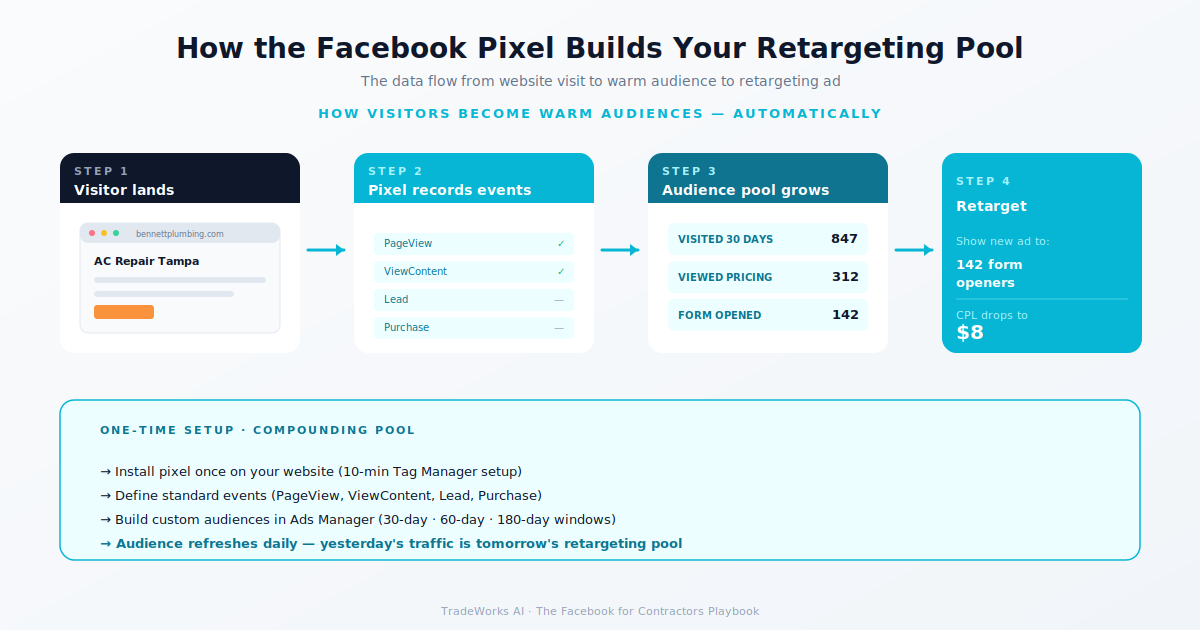
Website visitor audiences require the Pixel installed and accumulate over 2–4 weeks. Facebook requires a minimum of 100 people in a Custom Audience for ad delivery, though 500+ is recommended. Video viewer audiences build immediately from any video content. Email custom audiences are available as soon as you upload your list.
Yes. Facebook allows Custom Audiences from page engagement: people who visited your page, engaged with a post, clicked your CTA, or sent a Messenger message. Valuable for contractors who get significant page traffic but limited website visits.
Yes. When you enable Advantage+ Placements (recommended), your retargeting ads automatically appear on Instagram Feed, Stories, and Reels. The same audiences are targetable across both platforms because they share the Meta advertising infrastructure.
If an audience drops below 200 people, Facebook struggles to optimize and costs rise. Solutions: extend the lookback window (14 to 30 days), combine similar audiences, or increase your Layer 1 awareness and Layer 2 lead gen budgets to drive more people into the retargeting funnel.
Create a 'Recent Customers' Custom Audience from your CRM (synced via Zapier) containing contacts who completed a service in the past 30 days. Add as an exclusion to every retargeting ad set. Update automatically as new jobs complete.
Use Campaign Budget Optimization (CBO) at the campaign level with all retargeting audiences as separate ad sets. Facebook's algorithm allocates budget to the highest-converting audience automatically. Manual per-audience budgets are only needed if you want to enforce specific spend on smaller audiences.
Without retargeting, 96-98% of website visitors leave and never come back. Our free audit checks your Pixel, retargeting audiences, and exclusion rules and quantifies the recoverable revenue.
Instant Forms, offer frameworks, and the 5 offers that produce the cheapest leads.
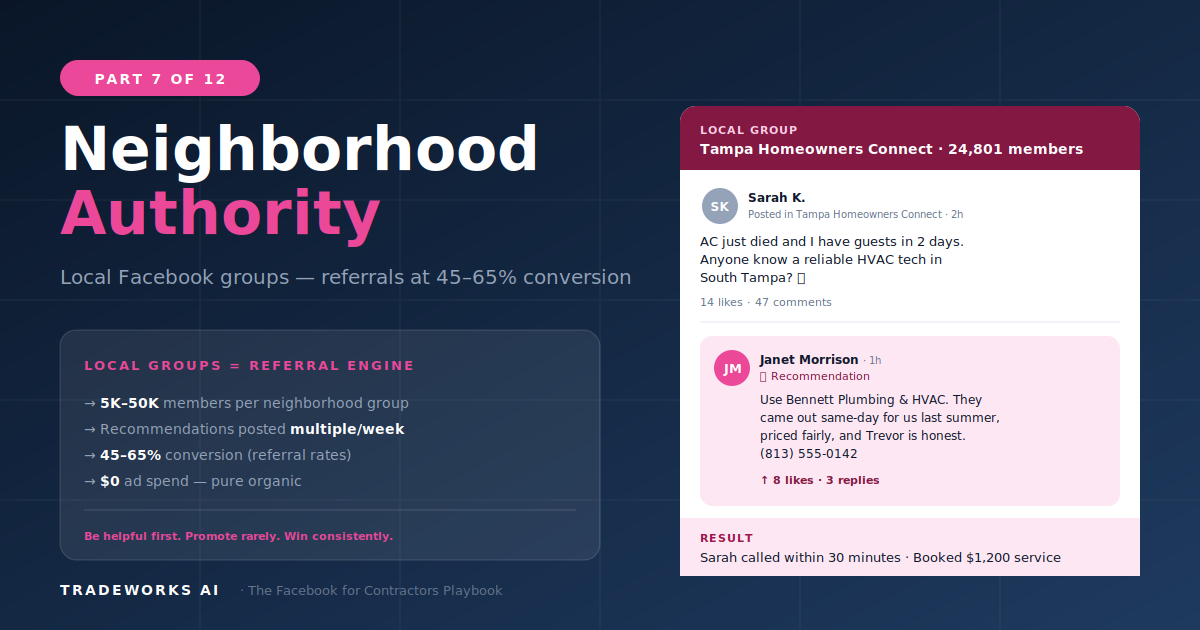
The 80/20 rule, the 90-day authority timeline, and the response templates that work.