TradeWorks AI + Housecall Pro Integration

Your AI agent creates jobs, books appointments, syncs customer data, and triggers follow-ups — all directly inside Housecall Pro. No manual data entry. No missed leads.

What Is Housecall Pro?

Housecall Pro is an all-in-one field service management platform built for home service contractors. It combines scheduling, dispatching, invoicing, payments, and customer communication into a single app that your team can access from the office or the field.

Housecall Pro is best for contractors with 1 to 10 technicians who want a simple, intuitive platform with built-in marketing tools like automated review requests, email campaigns, and an online booking page. If your team values ease of use over deep customization, Housecall Pro is an excellent choice.

TradeWorks AI integrates directly with Housecall Pro's API, so your AI agent can create customers, book jobs, send estimates, and trigger follow-up automations without your team ever logging in to enter data manually.

Honest note: If you have 10 or more technicians and need enterprise-level dispatch, reporting, and membership management, ServiceTitan may be a better fit. If you need more robust quoting and client approval workflows, consider Jobber. We help you choose the right platform during your free audit — we do not push one over another.
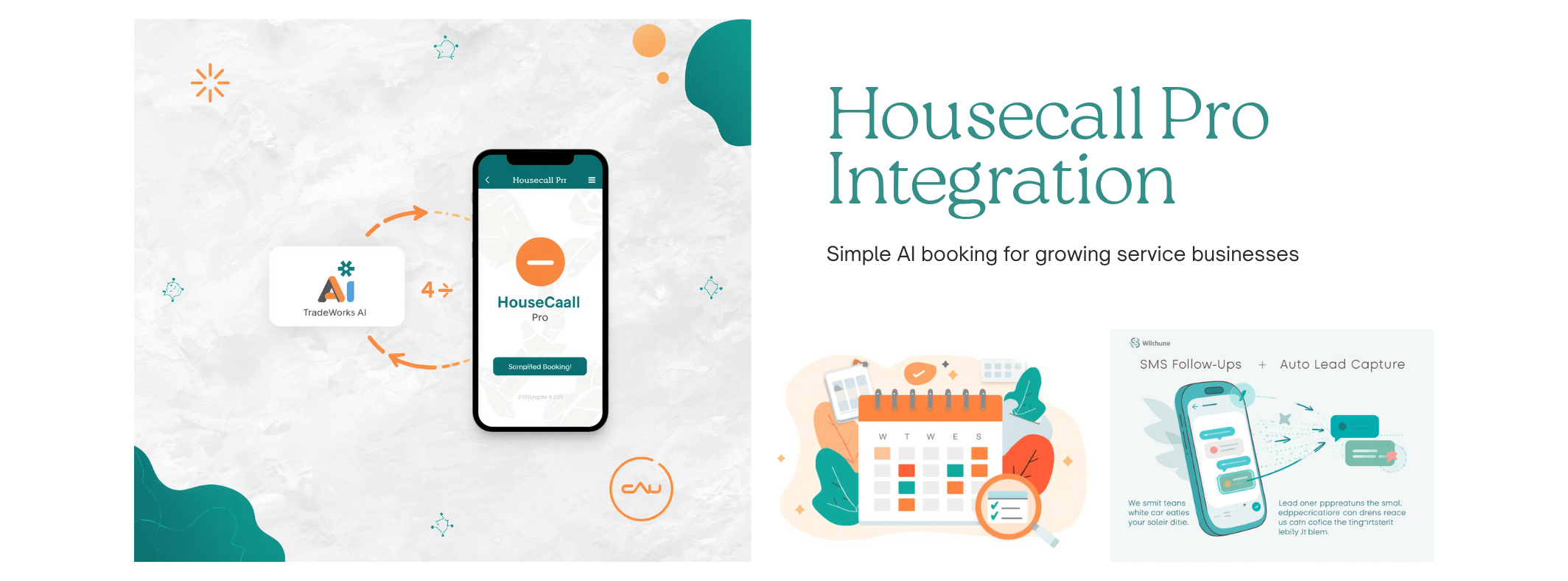
How AI Agents Connect to Housecall Pro

Every interaction your AI agent handles flows directly into Housecall Pro in real time. No copy-pasting, no double entry, no leads slipping through the cracks.

1

New Lead Captured

When your AI agent captures a new lead via phone, text, or web chat, it automatically creates a customer record in Housecall Pro with the caller's name, phone number, address, and service request details. Your team sees the new customer instantly.

2

Appointment Booked

The AI agent checks availability and books the appointment directly in Housecall Pro, creating a job with the correct service type, technician assignment, and time slot. The customer receives a confirmation via HCP's built-in notification system.

3

Follow-Up Triggered

After the initial interaction, the AI agent can trigger Housecall Pro's built-in automation — sending appointment reminders, post-job review requests, and follow-up emails. Combined with workflow automation, you can build multi-step sequences that run on autopilot.

4

Estimate Sent

For leads that need a quote before booking, the AI agent can generate and send an estimate through Housecall Pro's online booking system. Customers receive a professional estimate they can approve with one tap, and the approved job flows right into your schedule.

Explore AI Agents →

Marketing Data Flowing Into Housecall Pro

Your digital marketing campaigns generate leads from Google Ads, organic search, social media, and your website. TradeWorks AI ensures every one of those leads automatically populates in Housecall Pro — with full attribution data so you know exactly which campaign drove each customer.

When a homeowner submits a form on your website, the AI agent captures the lead, creates the customer in HCP, and can book the appointment before your office staff even sees the notification. No leads fall through the cracks, and no marketing dollars go to waste.

Key marketing-to-HCP data flows:

  • Google Ads and SEO leads auto-populate as new HCP customers
  • Conversion tracking feeds back into your ad platforms for bid optimization
  • Job completion in HCP triggers automated review requests to boost your online reputation
  • Marketing source data is tagged on every HCP customer record for ROI tracking
  • Missed-call leads are captured by the AI agent and added to HCP before the customer calls a competitor
Explore Digital Marketing →
Diagram showing marketing leads flowing from Google Ads, SEO, and web forms into Housecall Pro via TradeWorks AI

Getting the Most From Housecall Pro

Most contractors use less than half of what Housecall Pro can do. Our CRM consulting team helps you unlock the full potential of the platform you are already paying for.

Implementation

Starting fresh with Housecall Pro or migrating from another platform? We handle the full setup — service types, price book, technician profiles, notification templates, and automation rules — so your team is productive from day one.

Optimization

Already on Housecall Pro but not getting the results you expected? We audit your current configuration, identify missed opportunities, and optimize your settings for faster dispatching, higher conversion rates, and better customer communication.

Workflow Automation

Build automated workflows that connect Housecall Pro to your entire tech stack. From auto-assigning technicians based on availability to triggering SMS follow-ups after job completion, we design and implement the automations that save your team hours every week.

Team Training

Your tools are only as good as the people using them. We provide hands-on training for your office staff and field technicians, covering everything from the HCP mobile app to dispatching workflows and AI agent handoffs.

Learn About CRM Consulting →

Integration Setup Timeline

From kickoff to go-live in 10 business days. Here is exactly what happens and when.

1

Discovery — Day 1

We review your Housecall Pro account, current workflows, AI agent requirements, and business goals. We identify which data needs to flow between systems and map out your ideal automation workflows.

2

API Connection — Day 2–3

Our team connects TradeWorks AI to your Housecall Pro account via the HCP API. We configure authentication, test the connection, and verify that data can flow in both directions securely.

3

Field Mapping — Day 4–5

We map your TradeWorks AI data fields to the corresponding Housecall Pro fields — customer names, phone numbers, addresses, service types, job notes, and any custom fields your business requires. Nothing gets lost in translation.

4

Testing — Day 6–8

We run end-to-end tests with your team: simulated leads, booked appointments, follow-up triggers, and estimate workflows. We verify every data point lands correctly in Housecall Pro and fix any issues before going live.

5

Go-Live — Day 9–10

Your integration goes live with full monitoring. We watch the first batch of real leads flow through, confirm everything is working as expected, and provide your team with a quick-reference guide. Ongoing support is included on all plans.

Frequently Asked Questions

What data flows between the AI agent and Housecall Pro?

Customer records, jobs, appointments, estimates, and follow-ups all sync automatically. When your AI agent captures a new lead, it creates the customer in Housecall Pro with their name, phone number, address, and service request. When it books an appointment, the job appears in HCP with the correct service type and time slot. Follow-up triggers, estimate requests, and status updates all flow between systems in real time.

Which plan includes Housecall Pro integration?

The Professional plan at $40 per month includes full Housecall Pro integration along with ServiceTitan and Jobber support. The Starter plan at $10 per month includes Google Calendar integration only. You can upgrade to Professional at any time — no long-term contract required.

Is there an extra cost for Housecall Pro integration?

No. Housecall Pro integration is included on the Professional plan at $40 per month with no additional per-sync or per-record fees. If you want our consulting team to handle full Housecall Pro setup and optimization, implementation packages start at $499. Custom workflow automation projects start at $199. There are no hidden fees and no long-term contracts.

Can I use Housecall Pro's online booking with the AI agent?

Yes. Your AI agent can text customers a direct link to your Housecall Pro online booking page, allowing them to self-schedule at their convenience. The agent can also book appointments directly into Housecall Pro during a live phone call or text conversation — whichever approach works best for the customer.

How long does Housecall Pro integration setup take?

Full integration setup takes 7 to 10 business days. This includes a discovery call on day one, API connection and field mapping during the first week, thorough testing with your team, and go-live support. Most contractors are fully operational within two weeks of signing up. Contact us to get started.

Get More From the HCP Platform You Already Pay For

You are already paying for Housecall Pro. TradeWorks AI makes sure you are getting the maximum return on that investment — by connecting an AI agent that fills your HCP pipeline with qualified leads, books jobs around the clock, and keeps your customer data clean and current. Stop paying for a platform your team only half-uses.

HCP integration included on Professional plan ($40/mo). AI agents from $10/mo with 60-day trial.